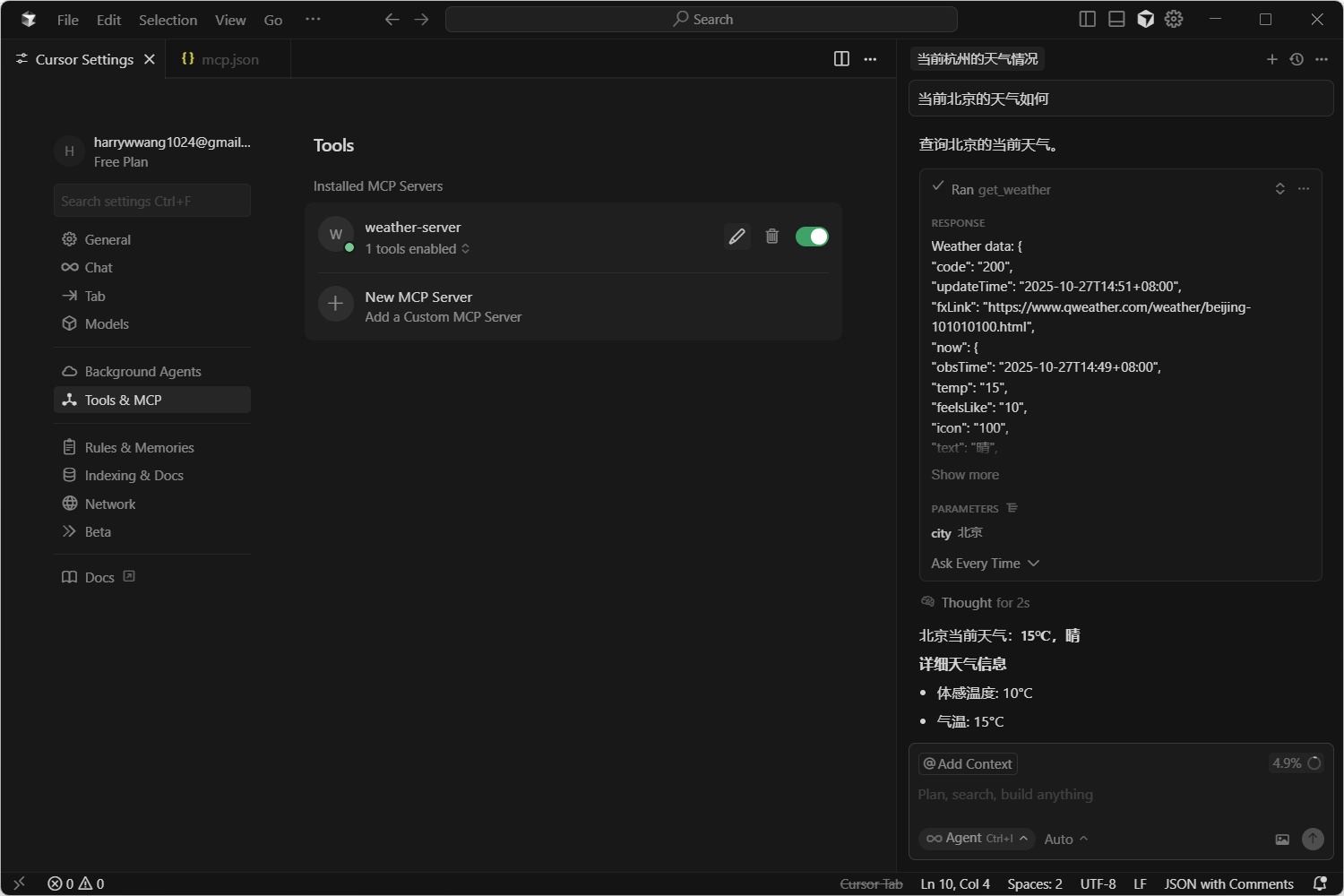
简单构建一个查询天气的mcp,用于29号华为的面试。
环境
nodejs:18+
npm
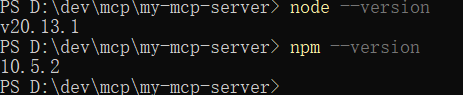
我目前的环境
查询天气的api是和风天气,能够使用api-key和jwt进行查询。
步骤:
使用powershell的管理员模式,否则下载模块会报错。
创建项目文件夹,并且安装官方MCP SDK
# 创建一个新目录
mkdir my-mcp-server
cd my-mcp-server

# 初始化 package.json
npm init -y

# 安装 MCP SDK
npm install @modelcontextprotocol/sdk
创建index.js,里面的主要工作有创建 Server 实例、注册工具列表、注册工具执行逻辑、启动服务器,使用 STDIO 传输等内容。
import { Server } from "@modelcontextprotocol/sdk/server/index.js";
import { StdioServerTransport } from "@modelcontextprotocol/sdk/server/stdio.js";
import {
  CallToolRequestSchema,
  ListToolsRequestSchema,
} from "@modelcontextprotocol/sdk/types.js";
//创建实例
const server = new Server(
  {
    name: "weather-server",
    version: "1.0.0",
  },
  {
    capabilities: {
      tools: {},
    },
  }
);
//注册工具列表
server.setRequestHandler(ListToolsRequestSchema, async () => {
  return {
    tools: [
      {
        name: "get_weather",
        description: "Get the current weather for a city.",
        inputSchema: {
          type: "object",
          properties: {
            city: {
              type: "string",
              description: "The name of the city, e.g., 'London'",
            },
          },
          required: ["city"],
        },
      },
    ],
  };
});
//注册工具实现逻辑
server.setRequestHandler(CallToolRequestSchema, async (request) => {
  if (request.params.name === "get_weather") {
    const location = request.params.arguments?.location;
    const API_KEY = "f831550199f149fbb9106bb561cf3a63";

    try {
      const response = await fetch(
        `https://na6yvy5dd4.re.qweatherapi.com/v7/weather/now?location=101010100`, //这里的location是写死的
        {
          method: 'GET',
          headers: {
            'X-QW-Api-Key': API_KEY
          }
        }
      );

      if (!response.ok) {
        throw new Error(`Weather API error: ${response.status}`);
      }

      const data = await response.json();

      return {
        content: [
          {
            type: "text",
            text: `Weather data: ${JSON.stringify(data, null, 2)}`,
          },
        ],
      };
    } catch (error) {
      throw new Error(`Failed to fetch weather: ${error.message}`);
    }
  }
  throw new Error("Tool not found");
});
//启动服务
async function main() {
  const transport = new StdioServerTransport();
  await server.connect(transport);
  console.error("MCP Weather Server running on stdio");
}

main().catch(console.error);
运行node index.js
测试:
使用insepctor进行测试,执行
npx @modelcontextprotocol/inspector node index.js即可进入测试页面,前提需要安装inspector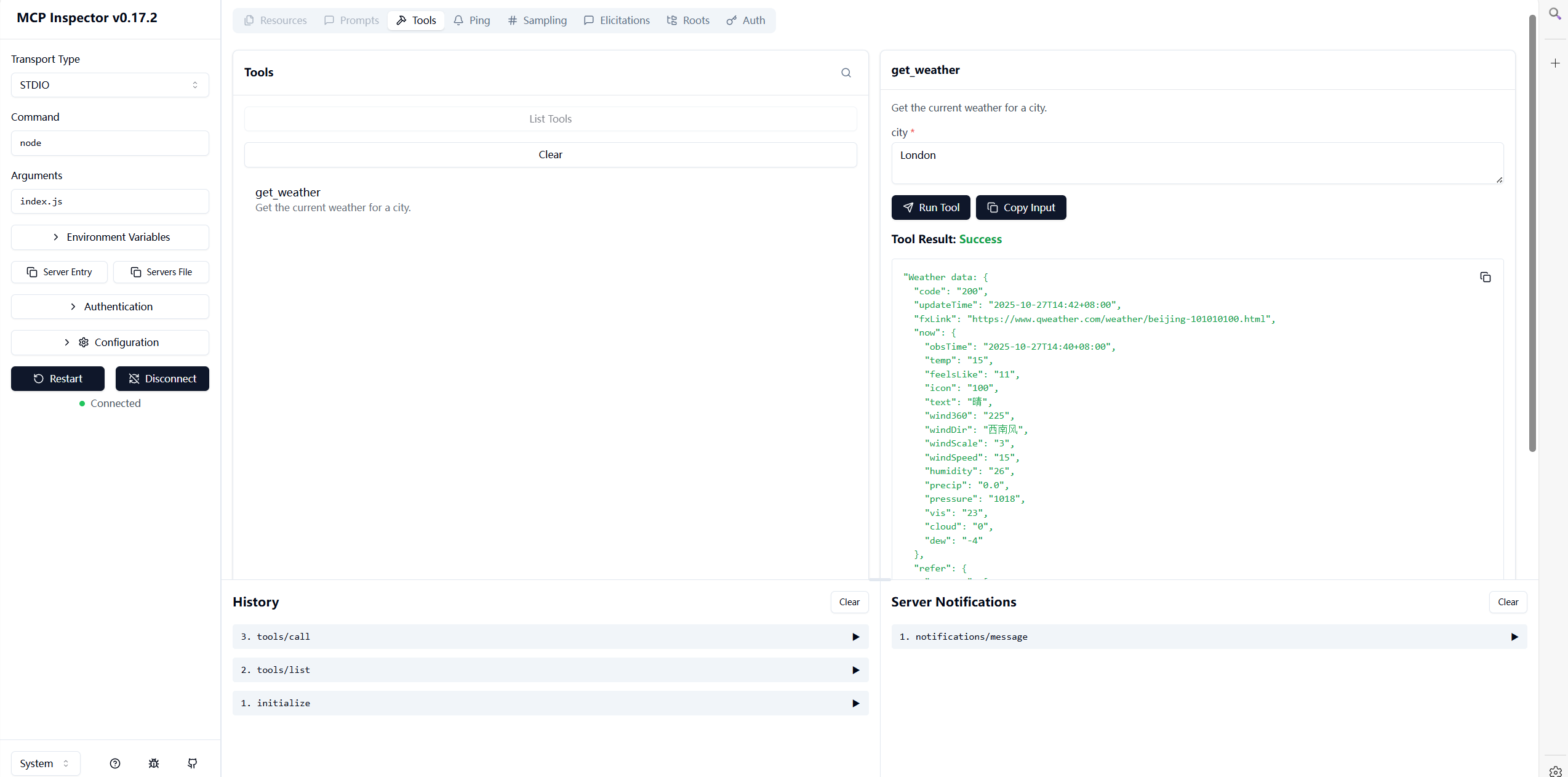
使用cursor进行测试